
How it works
Three things are actually distinctive about this platform. This page is what each of them means in practice, and where each one stops.
1. A sample server is a YAML definition, not a deployment
One folder defines one MCP server: server.yaml and the JSON data files it
references. The file declares the entities, the tools, and the closed set of verbs those tools
are allowed to use. Nothing is compiled, so there is no build output to ship and no service to
patch later.
You upload the folder — or a zip of it, unpacked in your browser. Both routes go through the same validation and the same publish gate: every tool in the bundle is run once against the bundle's own data, and you see the real response before anyone else does. Two outcomes block a publish: a tool that failed — it threw, it reported an error back, or it rejected the arguments the platform worked out for it — and a read that returned nothing. Everything else is a warning meant to be looked at, not an obstacle.
Nothing is live until you press Publish. Publishing never overwrites a version — it adds one and moves a pointer, and any earlier version can be rolled back to.
2. Everyone who connects gets an isolated session over the same server
You hand out one URL. The host mints a session per client on first contact, and a session is that participant's copy-on-write world: what their tool calls changed, and nothing else. Their worlds never touch, so somebody who deletes every work order has deleted their own — and a client arriving without a session gets a fresh one, from the sample data as published.
Where one world ends is decided by the client, not by this platform. A fresh
session is what a client arriving without a session id gets; a client that keeps
sending the same id keeps the same world for as long as it sends it. The generated Copilot
Studio connector declares Mcp-Session-Id so the platform sends it on every call,
but whether that value is fixed per conversation or per connection is the platform's to decide
— and one fixed per connection means every run over that connection shares one set of writes.
So do not plan a repeated demo around a clean start arriving by itself:
Reset is what guarantees one.
While it is running you can see how many sessions are live, and open any one of them to see exactly what that participant's tool calls changed. Inspection is read-only: looking at somebody's session never alters it.
Changing session state is one lever and one only — Reset, which clears every session on that server at once, so everyone connected to it starts again from the server's own sample data. There is no per-participant reset: a clean start is something everyone on that server takes together, and the confirmation names how many participants' work it is about to discard before you press it.
A session expires on its own two hours after its last request, which covers a class or a demo, and a session's state is capped at 512 KB — refused with a clear error rather than silently truncated.
3. The Copilot Studio connector comes from the same definition
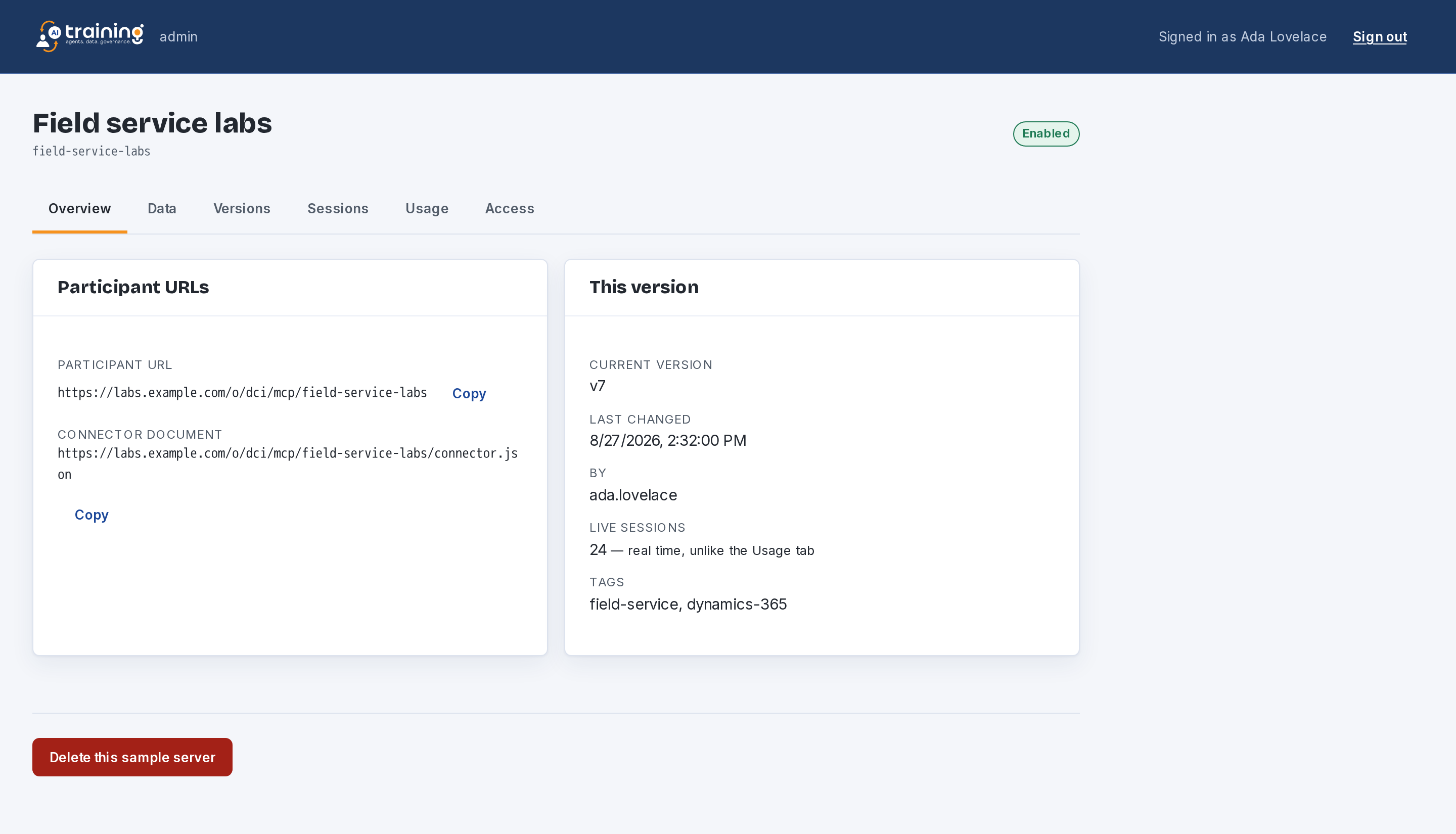
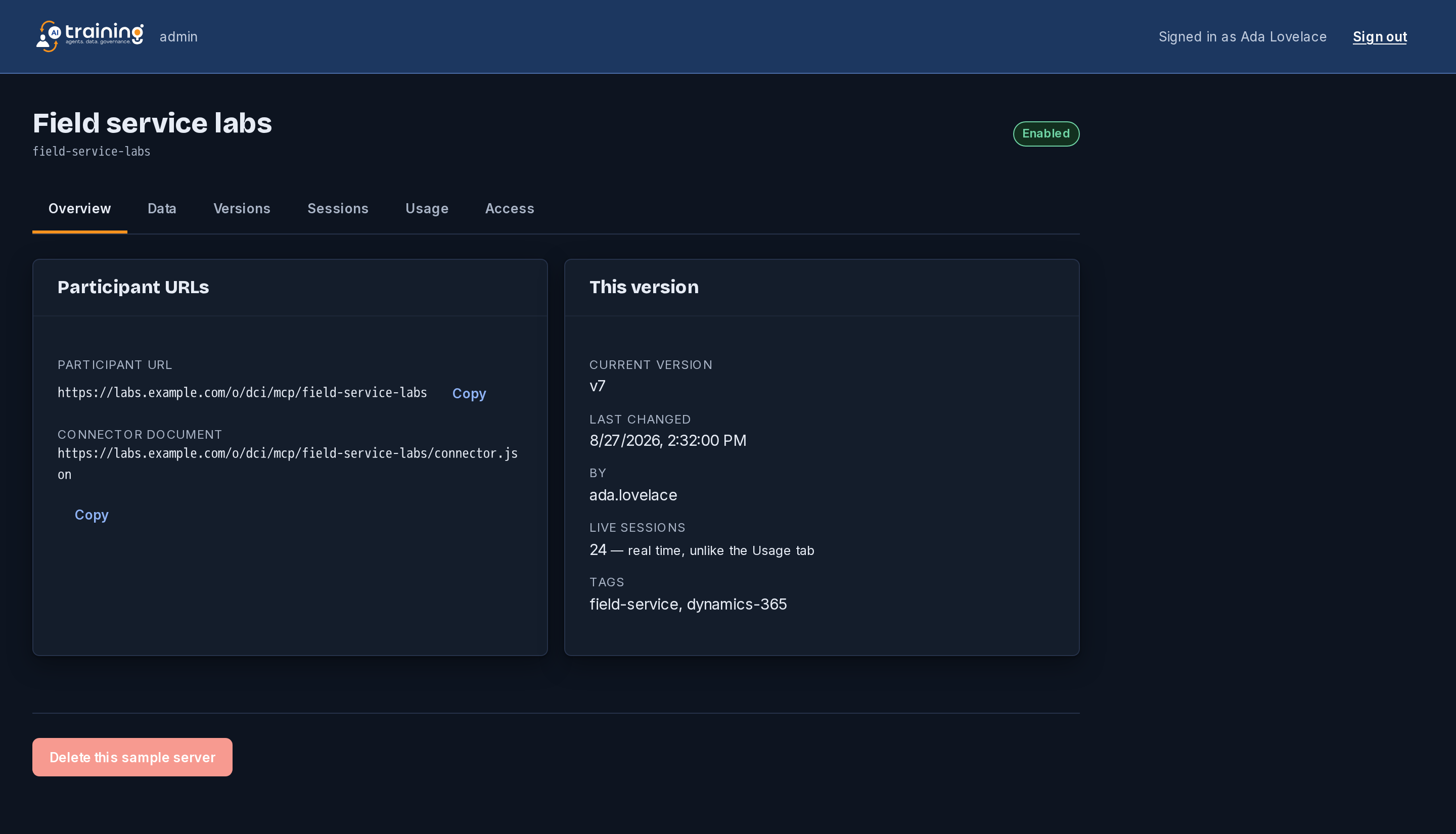
Alongside its MCP endpoint, every server serves a generated custom-connector document
(Swagger 2.0) at connector.json. It is produced from the definition the host is
actually running, so it cannot describe a tool the server does not have — the class of bug that
otherwise appears halfway through a session.
The document itself needs no credential, so an author can fetch it and check exactly what a participant's connector will import before handing the URL out.
Credentials: what is true today
Every sample server is served anonymously. A participant pastes a URL and starts working, which is the whole reason a session can begin in thirty seconds — and it means the URL is the only thing between that server and anyone who has it.
A definition can already declare an API-key or OAuth mode, and the console will show you which mode a server names, but neither is enforced yet: the host serves a server that names a key exactly as it serves one that does not. So do not plan material around a credential the platform will check for you, and do not put anything in a sample server you would mind a stranger reading.
The limits, stated so nobody meets them in front of an audience
- Bundle size: 1 MB — a definition and its sample data, not a data warehouse.
- Session state: 512 KB, refused with a clear error rather than truncated.
- Session lifetime: two hours after its last request, then it expires on its own.
- Switching a server off reaches participants who are already working within about ten seconds.
- Sample servers per organization: your plan's — see pricing.
And one that is a design boundary rather than a number: this platform is for synthetic sample data. These endpoints are anonymous and session ids are bearer credentials, so real customer data does not belong here.